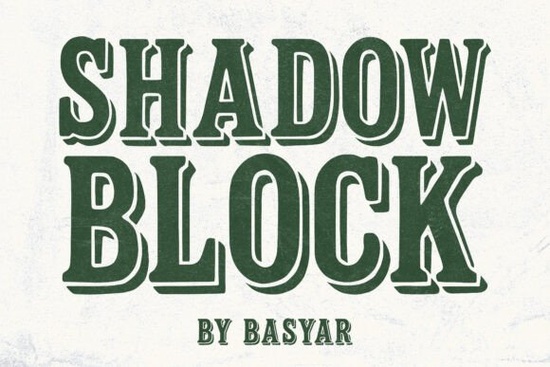
If you're looking for a bold, eye-catching font that brings a touch of vintage Americana to your designs, Shadow Block Font is a solid choice. It’s built for impact perfect when you need text to stand out on posters, signage, or branding materials. With its thick serif details and strong shadow effect, it gives a classic western feel without feeling dated.
What makes Shadow Block Font stand out?
The design combines blocky letterforms with a deep drop shadow, creating a sense of depth and presence. The high contrast between the thick strokes and subtle negative space adds visual weight, making it ideal for headlines and display text. Whether you're designing merch for a retro band, crafting a vintage-style poster, or building a brand identity with a nostalgic twist, this font delivers character.
It’s not just about looks it’s also practical. The clean structure ensures readability even at smaller sizes, while the bold style keeps attention drawn to your message. You’ll find it especially useful in print-on-demand projects where strong visuals matter.
Great for these creative uses
- Posters and event flyers – Draw eyes to dates, locations, and themes with authority.
- Band merchandise – Perfect for T-shirts, stickers, and vinyl covers with a rugged, old-school vibe.
- Retro branding and logos – Gives businesses or personal brands a timeless, authentic feel.
- Editorial layouts – Use it for section headers or feature titles in zines or magazines.
- Signage and banners – Works well in both digital and physical formats.
For those exploring similar styles, you might also like Western Bullhead, which shares a rugged, frontier-inspired energy. If you’re into more refined vintage aesthetics, Cinzel offers a classical serif alternative with strong presence. For playful contrasts, Bubble Mood brings soft curves to balance out bolder fonts like Shadow Block.
How to use Shadow Block effectively
Because of its strong visual personality, pairing it with simpler fonts helps keep your design balanced. Try using a clean sans-serif like Open Sans or Lato for body text or captions. This contrast highlights the font’s drama without overwhelming the viewer.
Don’t be afraid to experiment with color. While black on white works best for maximum contrast, try dark red, navy, or even faded brown for a weathered, aged look. Adjusting the shadow opacity can also help blend it into backgrounds or create layered effects.
When working digitally, make sure to test your final output across devices and print formats. The shadow effect may render differently depending on resolution or file type, so always preview before finalizing.
Where can you get Shadow Block Font?
You can download Shadow Block Font from Creative Fabrica, where it’s available as part of their extensive collection of display fonts. The file includes multiple weights and styles, giving you flexibility in your projects. Many users appreciate the clean licensing terms perfect for commercial use, including print-on-demand platforms and small business branding.
Looking for inspiration? Check out how others are using it in real-world designs by browsing the Creative Fabrica library. You’ll find plenty of examples that show how this font fits into different creative contexts.
Want to explore other fonts with a similar bold, vintage edge? Shadow Block Font is one option, but there are many others worth checking out. For instance, Western Bullhead Font has a similar western flair, while Cinzel Font leans into classic elegance. And if you enjoy quirky, expressive styles, PN Lila Sits FN Font adds a fun, hand-drawn charm.
Once you’ve downloaded your font, take a few minutes to test it in a mockup. See how it looks on a flyer, a product label, or a social media graphic. That small step can save time later and help you decide exactly how to use it.
Quick checklist:
- Download the font from Creative Fabrica
- Test it in both digital and print formats
- Pair it with a simple, readable font for balance
- Experiment with colors and shadow settings
- Check licensing terms if using commercially
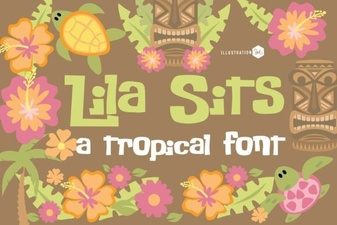 Pn Lila Sits Fn Font Design and Project Ideas
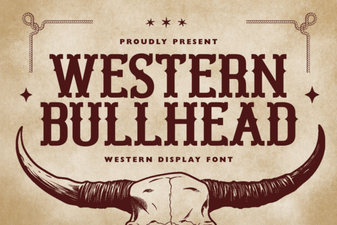 Western Bullhead Font for Bold, Creative Design Projects
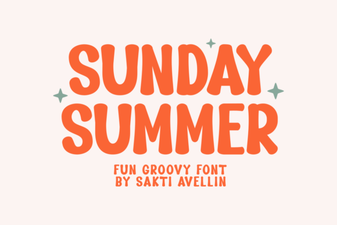 Vibrant Sunday Summer Font for Creative Projects
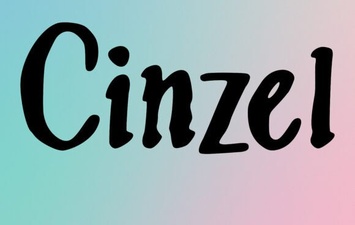 Cinzel Font: Elegant Typography for Creative Projects
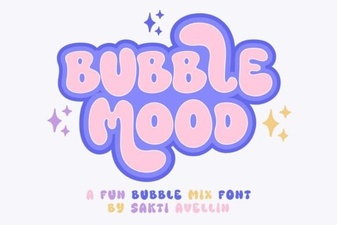 Bubble Mood Font: Playful Typography for Creative Projects
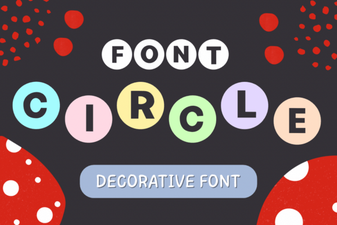 Creative Circle Font Design Ideas for Your Projects